
Manage reviewed pricing with controlled, usable Price Lists.
Turn pricing decisions into organized Price Lists for complex catalogs while keeping the product and pricing context behind each change.
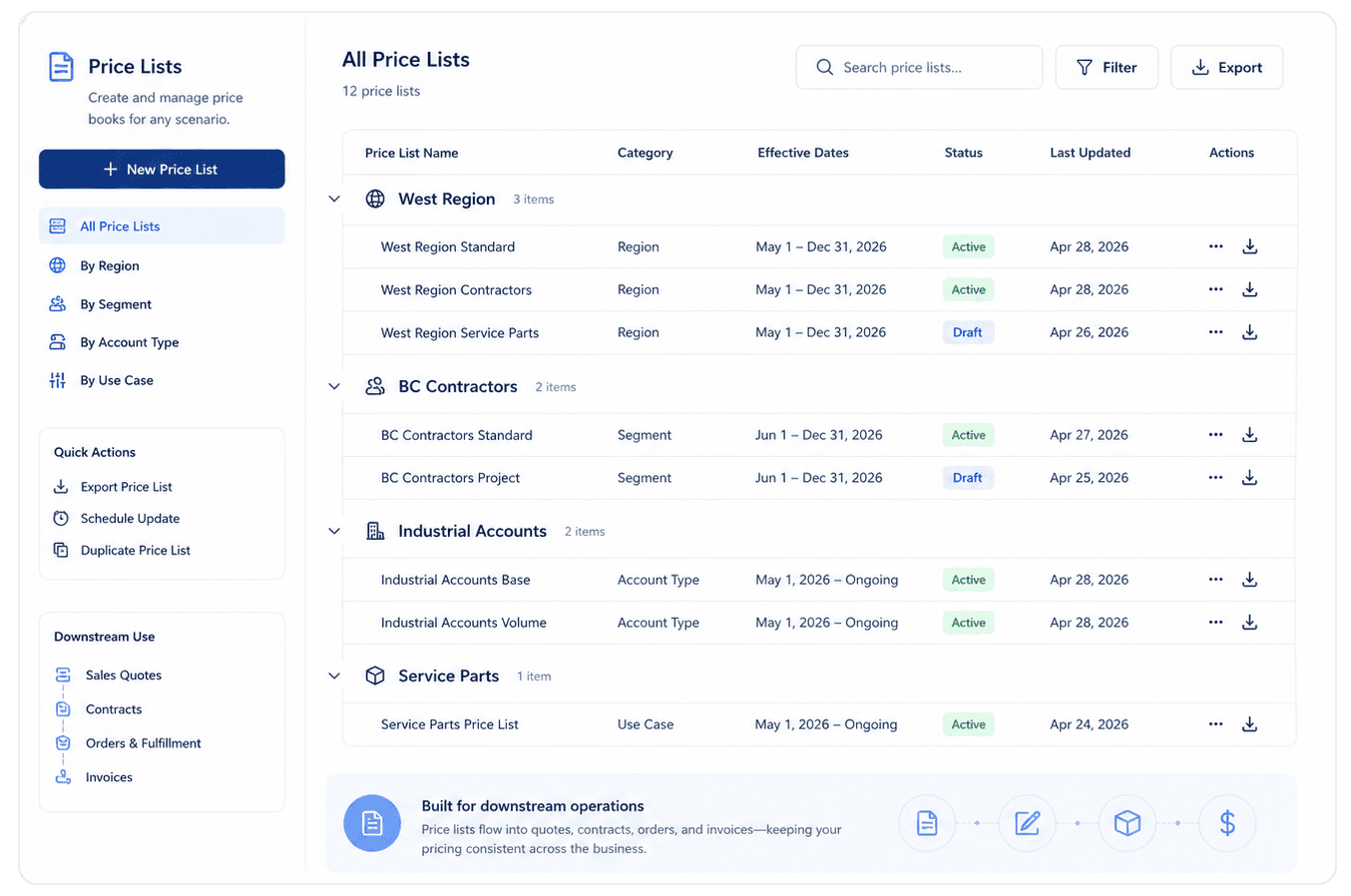
What Price Lists help teams manage
Reviewed pricing
Carry reviewed Workbench or Strategy Builder pricing into a usable Price List.
Price comparisons
Keep existing and revised values visible while pricing is reviewed.
Pricing context
Retain relevant supplier, category, stock, pricing method, and source context.
Reusable baselines
Use a selected Price List as the starting point for future pricing analysis.
From pricing review to commercial use
1. Review
Review pricing recommendations, margin impact, and exceptions before moving prices forward.
2. Organize
Create a controlled Price List with the commercial context, status, currency, and effective timing it needs.
3. Reuse
Carry the reviewed pricing baseline into future analysis, quoting, exports, and connected workflows.
Why controlled Price Lists matter
Keep pricing decisions connected to the context behind them.
A Price List should be more than a final number. NewAxiom keeps reviewed pricing tied to the source and commercial context teams need to understand what changed and what should be used next.
Clear status
Separate pricing under review from pricing ready for commercial use.
Commercial context
Keep region, segment, account type, use case, currency, and effective timing attached where applicable.
Bring your current pricing process.
See how NewAxiom can help move reviewed pricing into a clearer, reusable Price List workflow for complex catalogs.